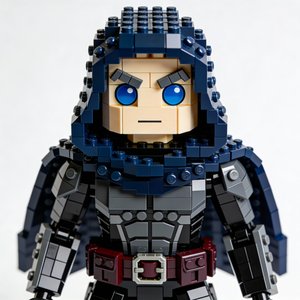

8-Bit Pixel Art AI Avatar
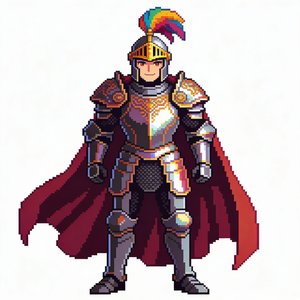
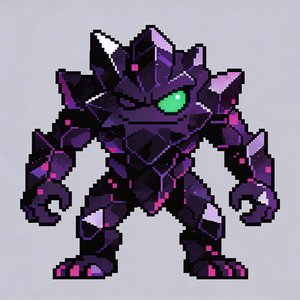
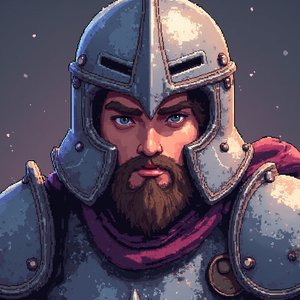
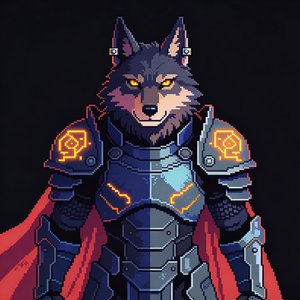
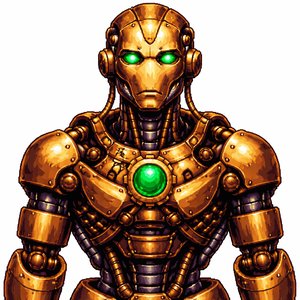
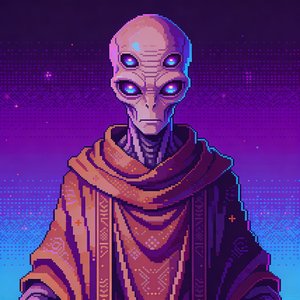
The 8-bit style renders your character as a low-resolution sprite: hard pixel edges, a limited console-era palette, and flat shading straight off a 1980s cartridge.
For retro gaming channels and chiptune-adjacent content, a talking sprite host is the aesthetic, your presenter looks like it walked out of the games you cover.
- Hard-edged, low-resolution sprite look
- Limited 8-bit era color palette
- Flat shading, no gradients
- Crisp, chunky pixels
How to make a pixel art 8-bit avatar video
Create your character
Upload a photo, describe a character with AI, or remix a stock avatar, then apply the Pixel Art 8-bit style template.
Give it a voice
Clone your own voice from a short sample or pick from 70+ voices across 80+ languages.
Generate the video
Bring a script, audio file, or existing video, the avatar performs it with synced speech. Export at 1080p, 2K, or 4K, up to 30 minutes per project.
What creators use the pixel art 8-bit style for
- Retro gaming reviews and history
- Chiptune and demoscene content
- Pixel-game dev logs
Same character, different styles
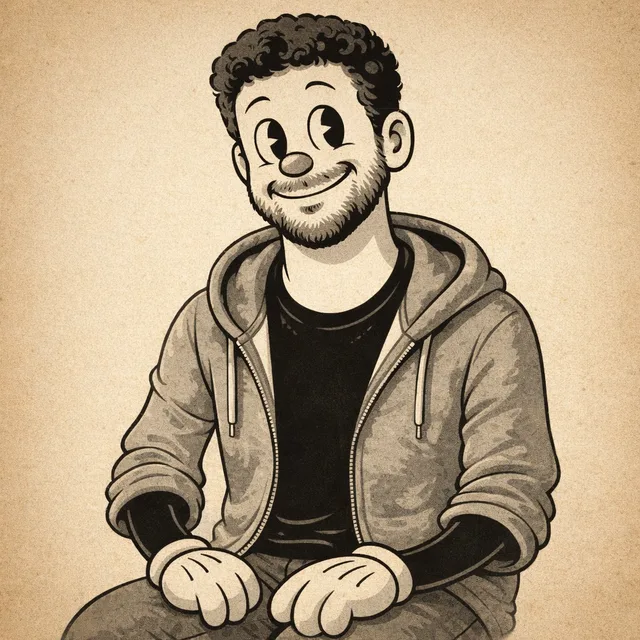
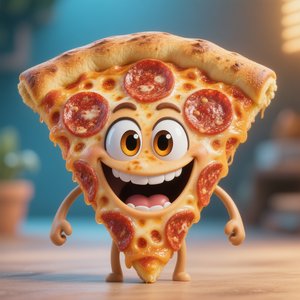
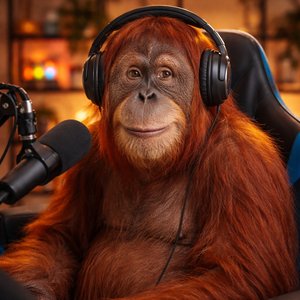
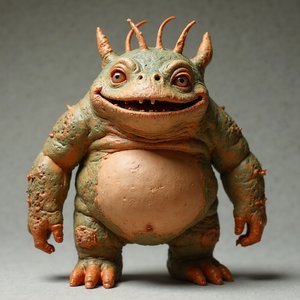
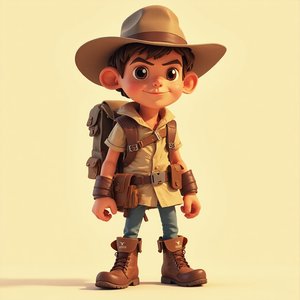
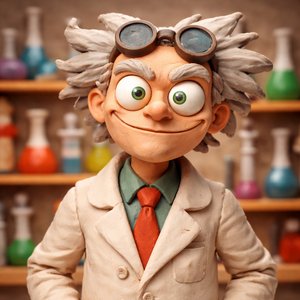
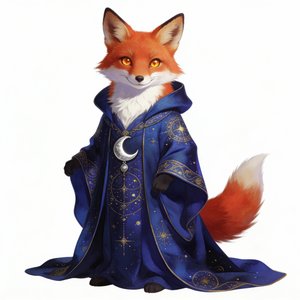
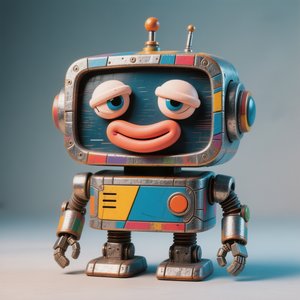
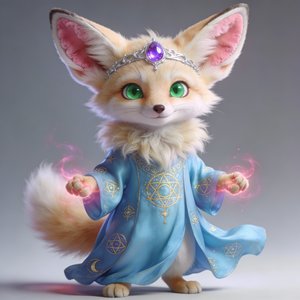
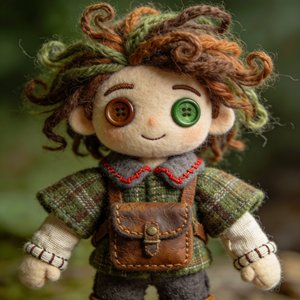
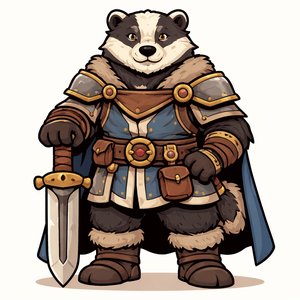
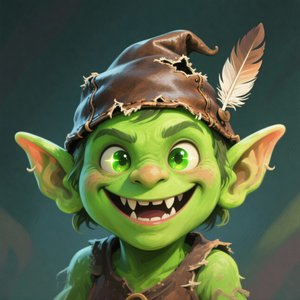
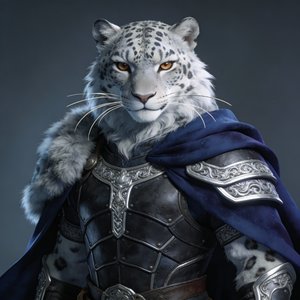
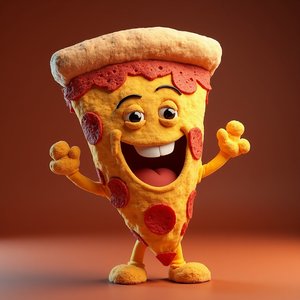
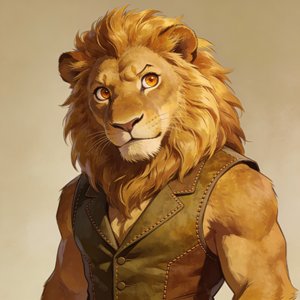
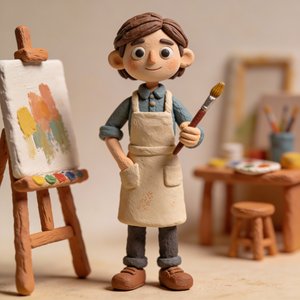
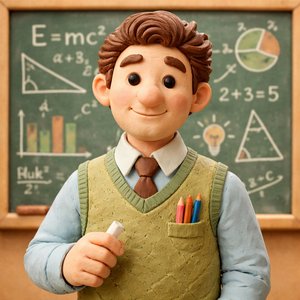
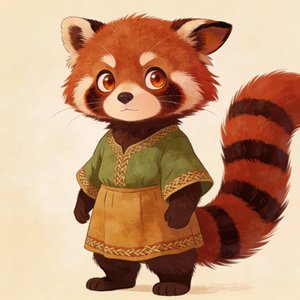
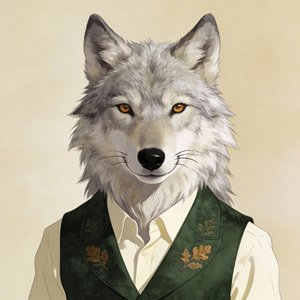
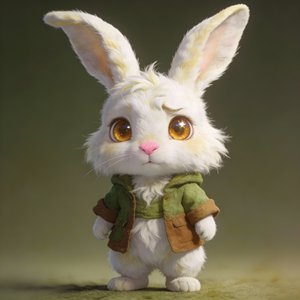
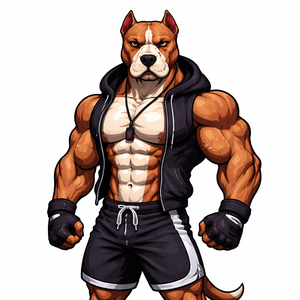
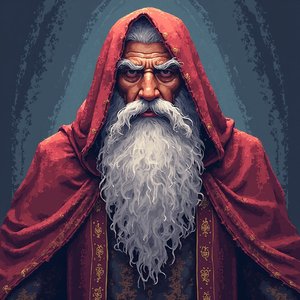
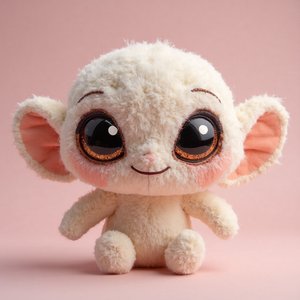
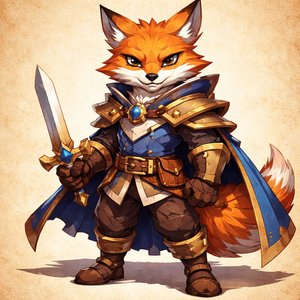
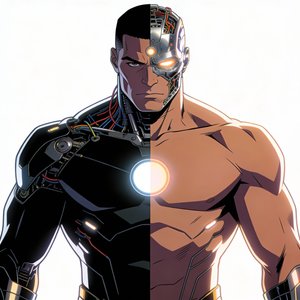
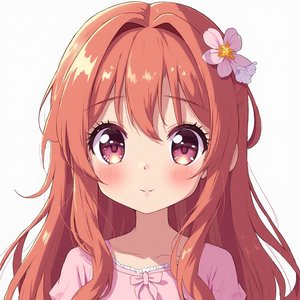
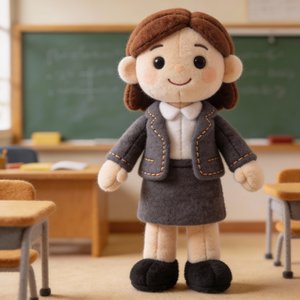
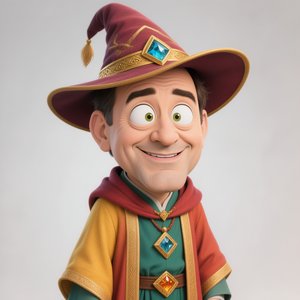
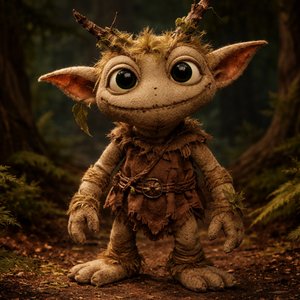
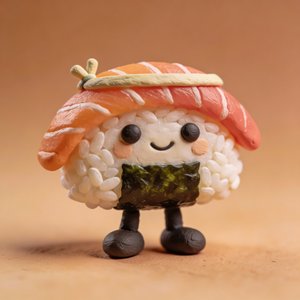
Every preview on these pages is the same input character, that's how consistently the style templates transform an avatar.