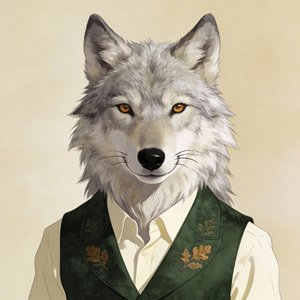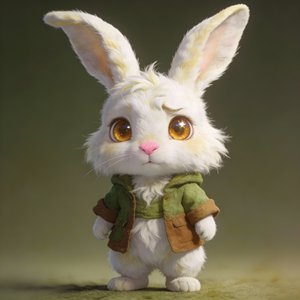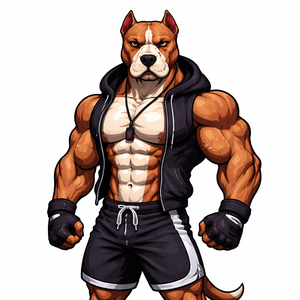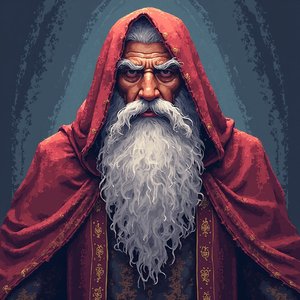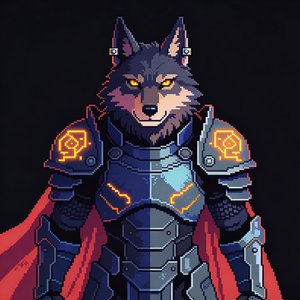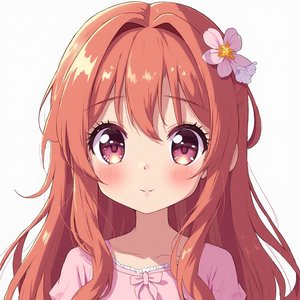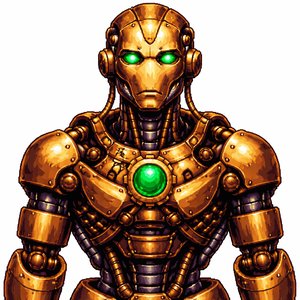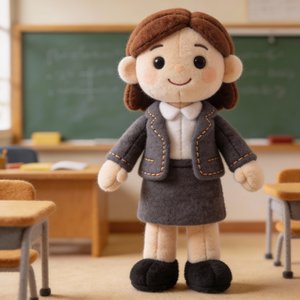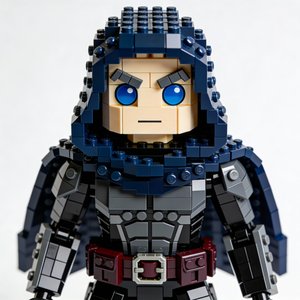

16-Bit Pixel Art AI Avatar
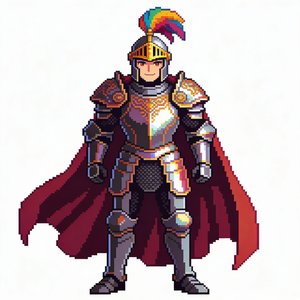
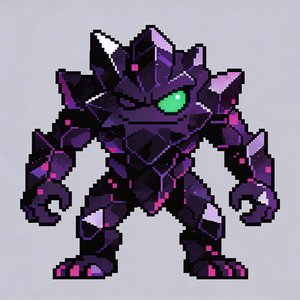
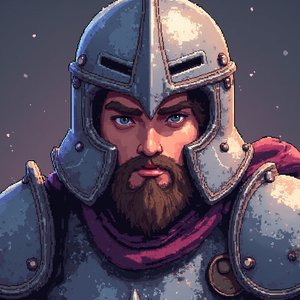
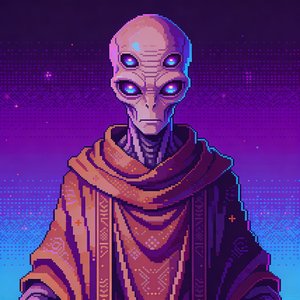
The 16-bit style steps the sprite up a console generation: richer colors, subtle dithering, and gradient shading that keeps the pixel grid while adding depth.
It reads 'retro' without sacrificing expressiveness, the sweet spot when you want a pixel host whose face can still carry a reaction.
- Crisp pixels with subtle dithering
- Richer 16-bit era palette
- Gradient shading and highlights
- More detailed, expressive sprite
How to make a pixel art 16-bit avatar video
Create your character
Upload a photo, describe a character with AI, or remix a stock avatar, then apply the Pixel Art 16-bit style template.
Give it a voice
Clone your own voice from a short sample or pick from 70+ voices across 80+ languages.
Generate the video
Bring a script, audio file, or existing video, the avatar performs it with synced speech. Export at 1080p, 2K, or 4K, up to 30 minutes per project.
What creators use the pixel art 16-bit style for
- Gaming retrospectives and reviews
- Indie game dev logs
- Speedrun and strategy breakdowns
Same character, different styles
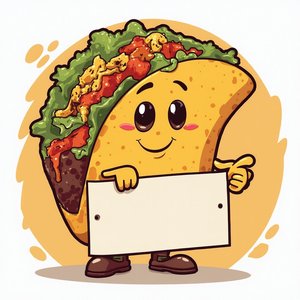
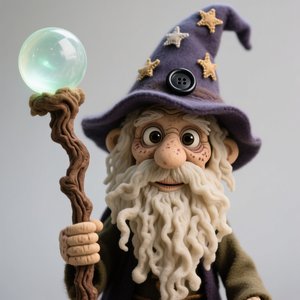
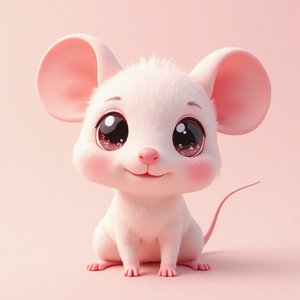
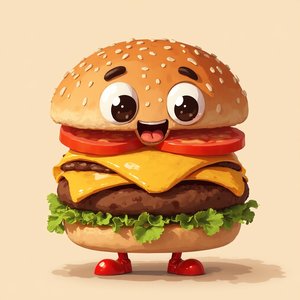
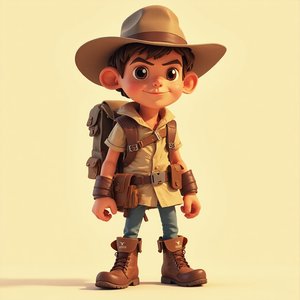
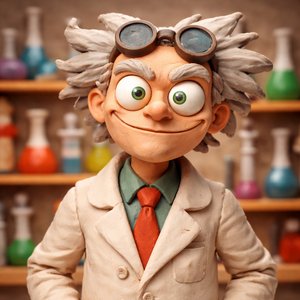
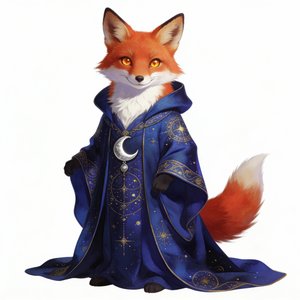
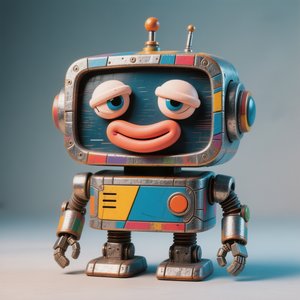
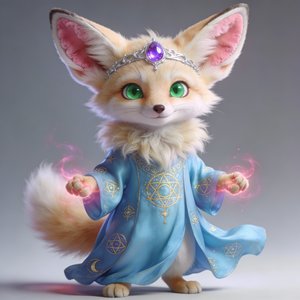
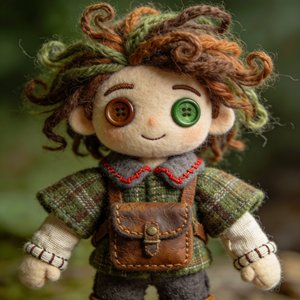
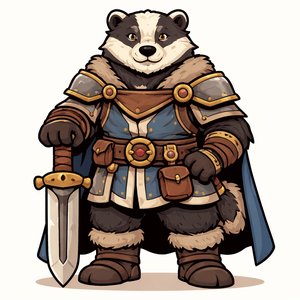
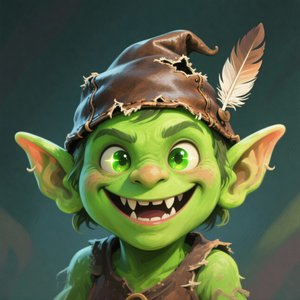
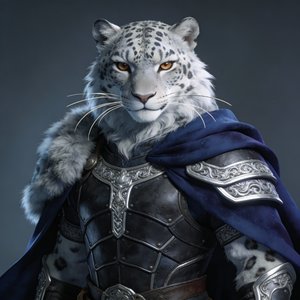
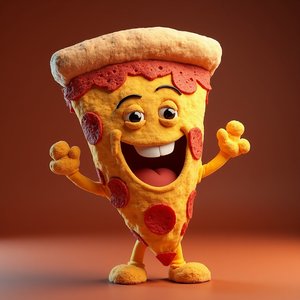
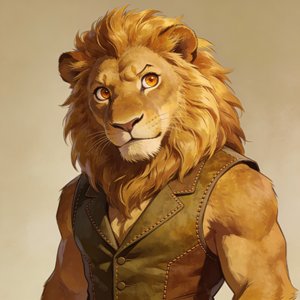
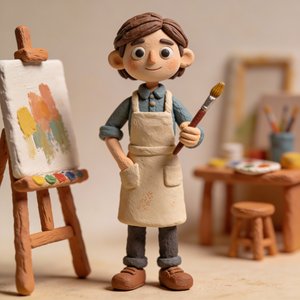
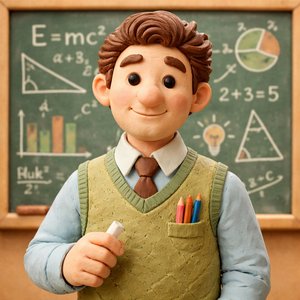
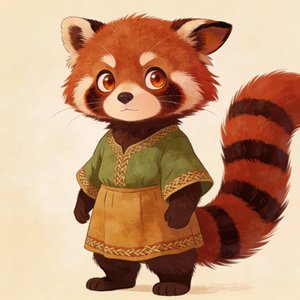
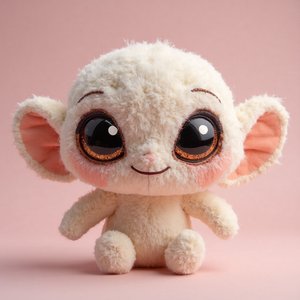
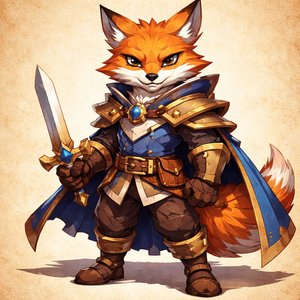
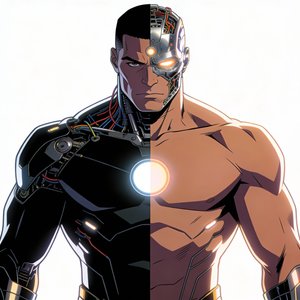
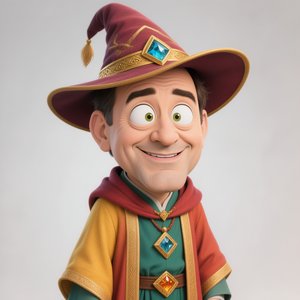
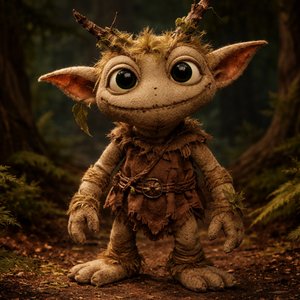
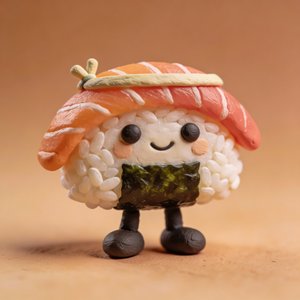
Every preview on these pages is the same input character, that's how consistently the style templates transform an avatar.